
Elderly Care & Gerontechnology
Digital solutions for elderly care and gerontechnology
i2 designs accessible elderly-care and gerontechnology platforms for Hong Kong residential homes and community teams. Each care management solution can connect records, staff tasks, sensor integration, health visits and family communication while keeping care decisions with authorised professionals.

Residential care homes, day-care centres, home-care services, community health teams and organisations supporting older people and their families.
Evidence in practice
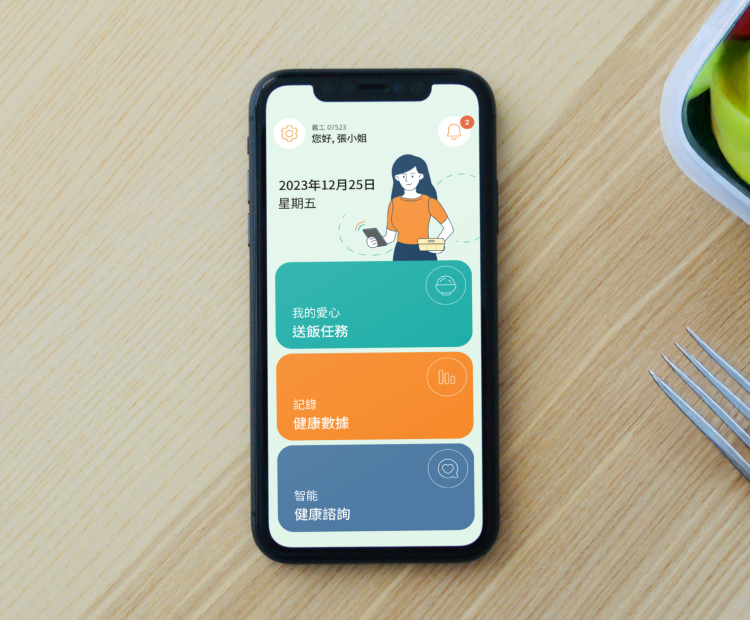
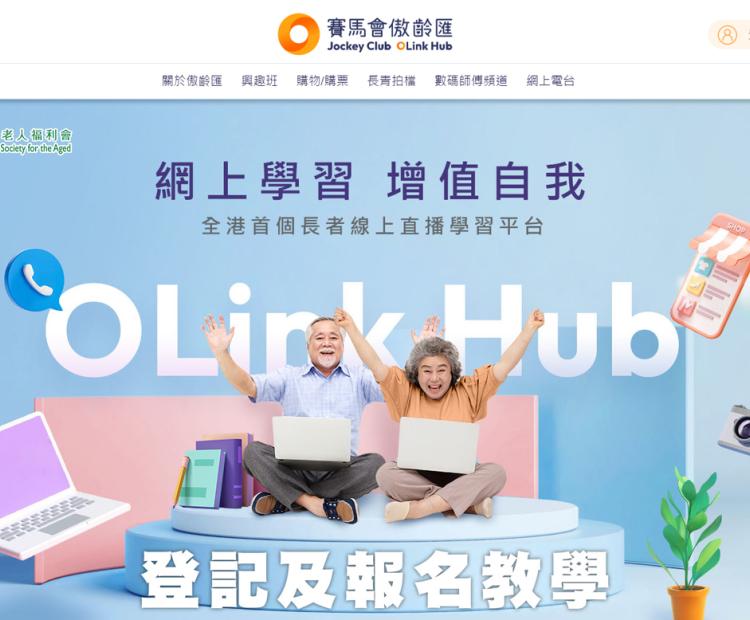
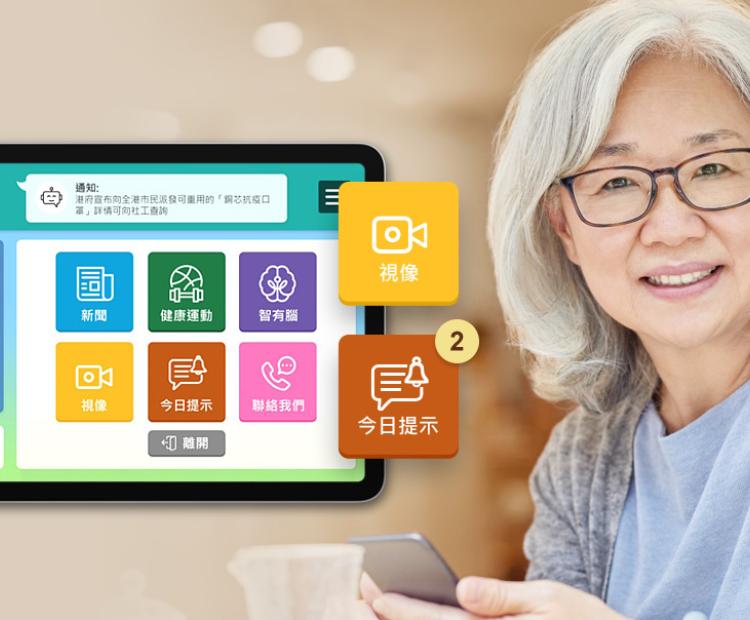
Sector context
The operational challenge
Care information can be spread across paper records, standalone sensors, messaging channels and systems used by different teams. Staff then need to reconcile updates while families may have no consistent way to receive appropriate information. Older users can also be excluded when interfaces assume precise touch, small text or complex navigation. A useful gerontechnology platform should connect information without turning an alert or automated summary into a clinical decision.
Key benefits
What the solution can improve
Connected care coordination
Bring authorised care notes, visits, tasks, observations and follow-up actions into a workflow designed around the organisation’s roles and escalation process.
Reviewable sensor and health signals
Connect supported devices or visit records to a central timeline, with clear thresholds and staff review before a signal changes a care action.
Accessible family communication
Share approved updates and service information through clear web, mobile or messaging journeys without exposing internal or clinical records.
Configurable workflow patterns
Mission Agents
Each Agent describes a practical role within a wider service workflow. Scope, data access and human review are configured for the organisation.
Agent A — Safety Signal Assistant
Concept
A central workflow for reviewing events from supported sensors and care records.
Input
Approved signals such as a bed or door event, wearable reading or staff observation.
Processing
The Agent compares the signal with organisation-defined thresholds and the available context. It distinguishes a notification from a confirmed incident.
Output
A prioritised alert, acknowledgement task and timestamped entry for the responsible care team.
Human oversight
Qualified staff set thresholds, assess the person and decide the care response. The Agent does not predict or diagnose a medical event.
Agent B — Family Update Assistant
Concept
A drafting tool for appropriate, consistent updates to authorised family contacts.
Input
Selected daily-care information that staff have approved for family communication.
Processing
The Agent prepares a plain-language summary in the supported language and keeps internal or restricted details out of the draft.
Output
A staff-reviewed message delivered through the organisation’s approved app, portal or messaging channel.
Human oversight
Staff decide what can be shared, review every message and manage consent and contact permissions.
Agent C — Voice Access Guide
Concept
A voice-supported interface for common information and communication tasks.
Input
A simple spoken request, such as asking for today’s activity schedule or starting an approved family call.
Processing
The interface recognises a limited set of tested intents and retrieves the relevant content or action.
Output
A clear spoken and visual response with an obvious route to staff assistance.
Human oversight
Teams choose the supported tasks and test them with older users. Voice remains an option alongside accessible touch and staff-assisted journeys.
Delivery
How i2 delivers the solution
We map care roles, information boundaries and escalation paths with frontline and operational teams before integrating devices or automation. Prototypes are tested for readability, touch, voice, error recovery and staff workload. Sensor and health-data integrations begin with a limited, observable workflow. Permissions, consent, alert ownership and fallback procedures are verified before the platform is expanded to more residents, services or family contacts.
Responsible delivery
Responsible AI and data practices. Human oversight stays part of the service.
Alerts and generated summaries support care teams; they do not replace assessment by qualified staff. The organisation defines who can see each type of information, which family contacts are authorised and how long records are retained. Device data, health observations and communication logs require proportionate security, auditability and incident procedures. Accessibility is tested with intended users rather than inferred from age alone.
Frequently asked questions
Clear answers before we build.
Practical answers about scope, data, accessibility and the role of people in the workflow.
Can i2 connect an elderly-care platform with existing sensors or health devices?
Potentially. We first review the device APIs, data ownership, reliability and clinical or operational purpose. A limited integration is then tested so staff can verify how signals appear, who responds and what happens when a device is unavailable.
Does a safety Agent replace nursing or care staff?
No. It can organise supported signals and create a prioritised alert, but qualified staff assess the person and decide the response. The workflow must also work when automation or connectivity is unavailable.
Can families receive updates without seeing confidential care records?
Yes. The platform can separate internal records from selected, staff-approved updates. Consent, authorised contacts, sharing rules and audit logs are configured around the organisation’s policy.
How can the interface support older people with different abilities?
We can test readable type, contrast, clear language, large touch targets, keyboard access, voice options and staff-assisted alternatives. The design is validated with intended users and relevant WCAG 2.2 Level AA criteria.
Can the system support home visits as well as residential care?
Yes. Mobile visit records, assigned tasks, observations, consent and follow-up can be designed for community teams, including controlled offline work where connectivity is unreliable.


 Contact Us Now


