
Education & Youth Services
Digital solutions for education and youth services
i2 builds accessible learning management systems, mobile apps and youth-service workflows for Hong Kong schools, universities and NGOs. Each solution can connect content, offline learning, learner progress, outreach, referrals and staff follow-up without forcing every programme into the same system.

Schools, universities, training providers, youth outreach teams, tutorial programmes and NGOs supporting learners with different access needs.
Evidence in practice
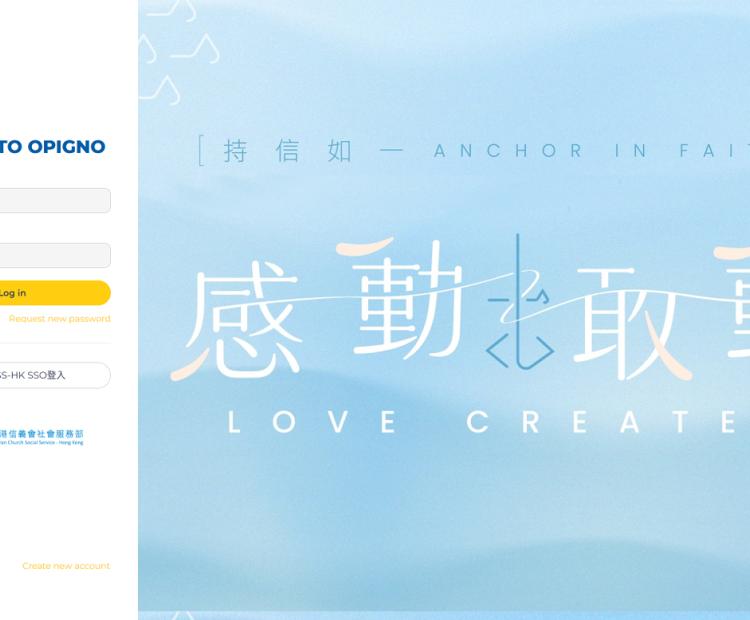
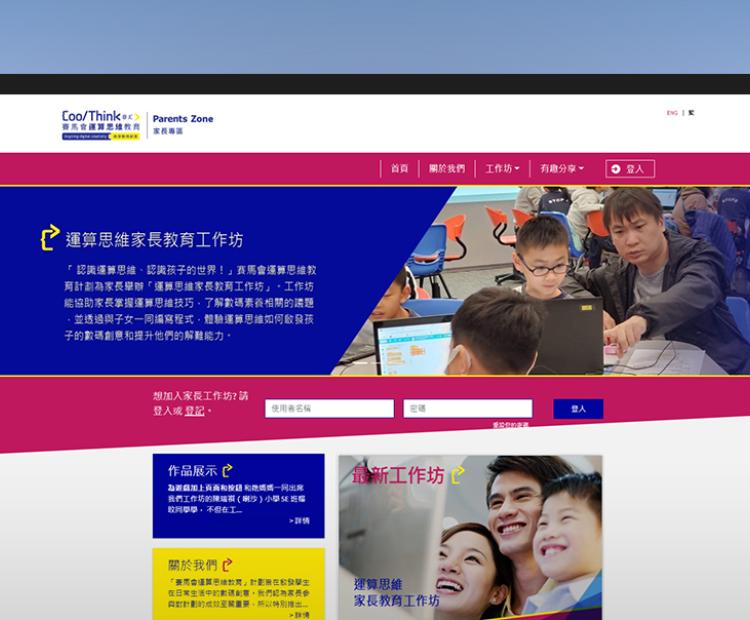
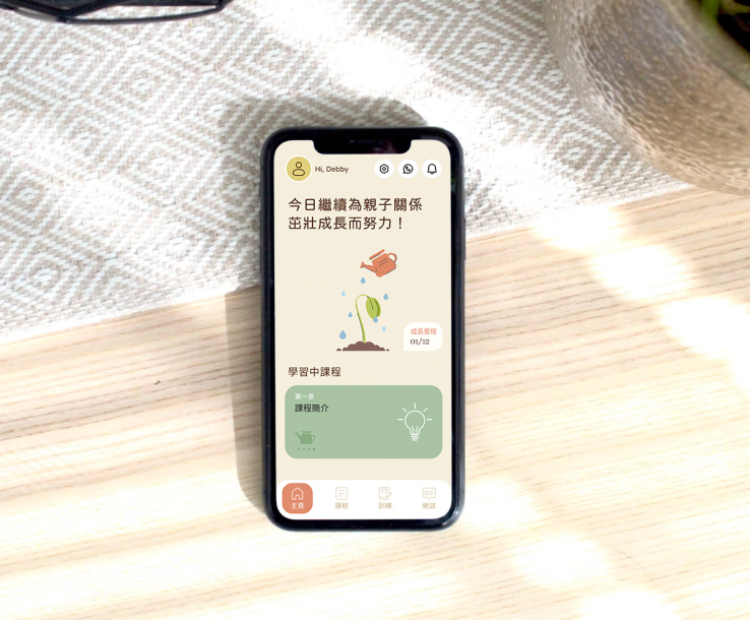
Sector context
The operational challenge
Education and youth programmes often need to support very different journeys: structured courses, volunteer tutoring, community outreach and individual follow-up. Static content libraries do not show staff where a learner needs help, while disconnected forms and spreadsheets make matching, communication and progress tracking harder. Learners may also have inconsistent connectivity, use mobile devices as their primary access point or need a more accessible presentation of the same material.
Key benefits
What the solution can improve
Accessible learning across devices
Deliver structured courses, resources, assessments and progress views through responsive web and mobile experiences, with offline access where the programme requires it.
Learner and programme workflows
Connect registration, matching, attendance, assignments, staff tasks and reporting so programme teams work from one consistent operational record.
Inclusive content support
Plan captions, transcripts, readable summaries, keyboard access and adaptable presentation around the needs of the learners and the content being delivered.
Configurable workflow patterns
Mission Agents
Each Agent describes a practical role within a wider service workflow. Scope, data access and human review are configured for the organisation.
Agent A — Outreach Guide
Concept
A low-pressure digital entry point that helps young people discover relevant activities and support.
Input
A young person explores topics, activities or questions through an approved youth-service channel.
Processing
The Agent uses programme content and organisation-defined conversation paths to suggest relevant options without pretending to be a peer or practitioner.
Output
Clear next steps, an activity recommendation or an offered hand-off to a youth worker.
Human oversight
Staff approve the tone, content and safeguarding routes. Personalisation is limited to the data and purpose the organisation has agreed.
Agent B — Adaptive Learning Guide
Concept
A learning assistant that connects a learner’s question to the most relevant approved material.
Input
A typed question, selected topic or uploaded exercise where image input is appropriate.
Processing
The Agent identifies the likely concept and retrieves matching material from the organisation’s learning library. It can generate a short practice activity from approved source content.
Output
A targeted explanation, resource and progress signal for the learner and authorised teaching team.
Human oversight
Educators control the source library, review generated activities and decide how learning signals inform teaching.
Agent C — Inclusion Assistant
Concept
An accessibility layer for live or recorded learning content.
Input
Approved lecture audio, workshop material or learning content.
Processing
The Agent produces a transcript and can prepare a simpler summary, key-term list or alternative structure.
Output
Multiple ways to review the same material, available through the learner’s web or mobile interface.
Human oversight
Educators review accuracy and suitability. Accessibility decisions are tested with intended users rather than assumed from an automated output.
Delivery
How i2 delivers the solution
We map the learning or youth-service journey before selecting technology: enrolment, content ownership, tutor or staff responsibilities, progress signals, safeguarding and reporting. The platform is then organised into maintainable content types and workflow states. Prototypes are tested on the devices and network conditions learners actually use. Integrations, offline behaviour, accessibility and staff administration are verified before wider rollout.
Responsible delivery
Responsible AI and data practices. Human oversight stays part of the service.
Learning and youth data should not be used beyond the agreed educational or service purpose. AI-generated explanations, summaries and recommendations need traceable source material and educator review. Role-based access separates learner, tutor, practitioner and administrator responsibilities. Where a workflow involves minors or safeguarding, consent, escalation and retention rules must be defined by the organisation before automation is enabled.
Frequently asked questions
Clear answers before we build.
Practical answers about scope, data, accessibility and the role of people in the workflow.
Can i2 build one learning management system for courses, mobile learning and programme administration?
Yes. Drupal content management, an LMS, mobile access and programme workflows can be connected through a shared information model. The architecture depends on existing systems, offline requirements and who owns each part of the content and learner record.
Can learners use course content without a reliable internet connection?
Offline access can be designed for selected content and activities in a mobile app or progressive web experience. Synchronisation rules, device storage and conflict handling are defined around what learners need to complete offline.
How can the platform support learners with different accessibility needs?
We can plan semantic structure, keyboard access, captions, transcripts, readable summaries, adaptable text and clear interaction states. Testing should include intended users and relevant WCAG 2.2 Level AA criteria.
Will an adaptive learning Agent give students the answer?
It can be configured to retrieve approved explanations, ask guiding questions and generate short practice activities. Educators control the source material and decide how the assistant should respond for each learning context.
Can a new learning platform connect to our existing student or membership system?
Usually, yes. We first review the available APIs, identifiers, permissions and data quality. The integration can then be phased so the organisation does not have to replace every existing system at once.


 Contact Us Now


